 05 March 2026
 Share
Share
1

Creating a home office that is both comfortable and productive is essential for anyone working remotely or from home regularly. A well-designed workspace can improve focus, reduce stress, and even enhance creativity. Whether you have a dedicated room or a small corner in your living space, these tips will help you set up an environment that supports your work and well-being.
Placing your desk near a window can provide plenty of natural light, which is known to boost mood and energy levels. Avoid harsh glare on your computer screen by positioning your desk perpendicular to the window rather than directly in front or behind it.
Select a quiet area away from heavy foot traffic, noisy appliances, or communal spaces. This helps to create a boundary between your work and living spaces, making it easier to concentrate.
If possible, dedicate an entire room to your office. This not only reduces distractions but also helps your mind associate the space specifically with work, improving your focus.
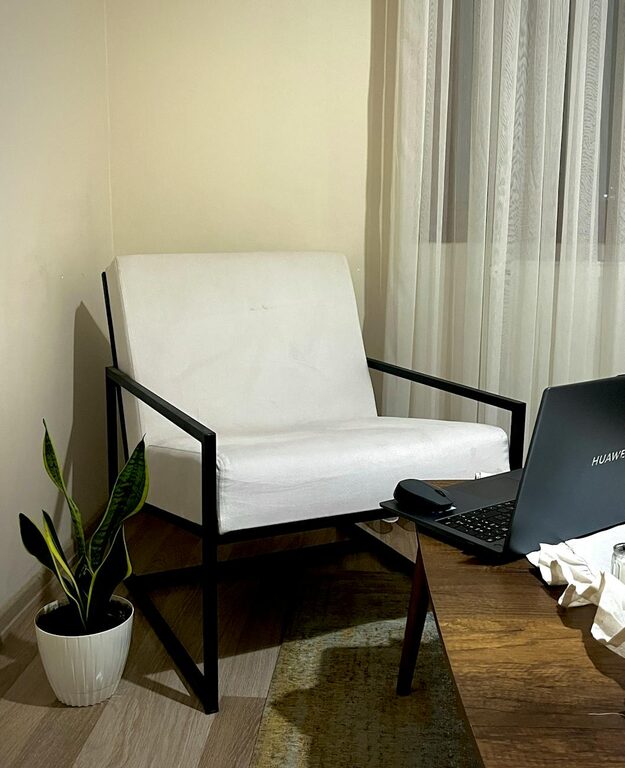
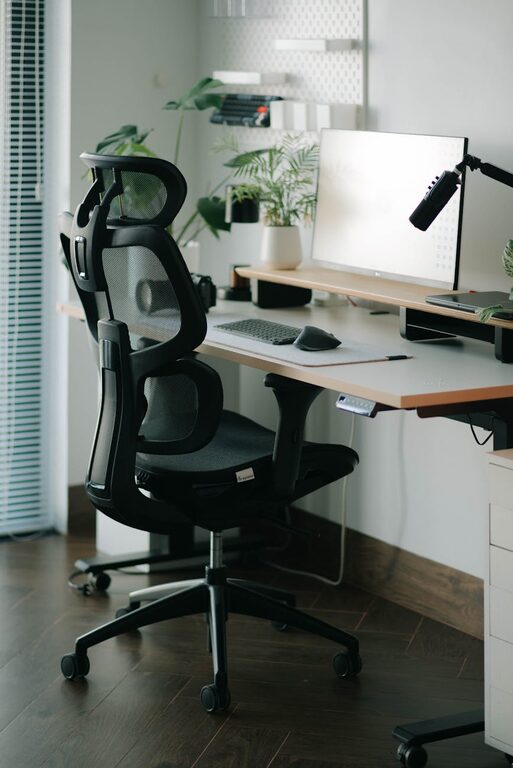
Choose a chair that supports your lower back and encourages good posture. Adjustable height and lumbar support are key features to look for. Sitting comfortably prevents aches and encourages longer periods of focused work.
Your desk should provide enough space for your computer, documents, and other essentials without feeling cramped. Adjustable desks that allow you to alternate between sitting and standing positions are excellent for maintaining comfort throughout the day.
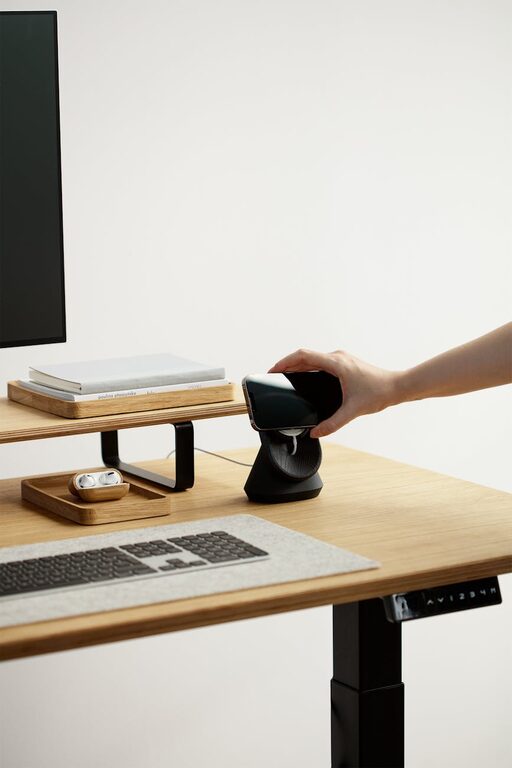
Make sure your monitor is at eye level to avoid neck strain. Using a monitor stand or an adjustable arm can help you achieve this.
Keep only the essentials on your desk to maintain a clean and tidy space. Clutter can be distracting and reduce productivity.
Use drawers, shelves, or organisers to keep supplies and documents in order. Labelled boxes or trays make it easier to find what you need quickly.
Tidy cables with clips, sleeves, or under-desk trays to prevent a messy workspace and potential hazards.
In addition to natural light, have multiple light sources such as a desk lamp and overhead lighting. This reduces eye strain and allows you to adjust illumination based on the time of day.
Soft, warm lights create a cosy atmosphere that can improve comfort during long work sessions.
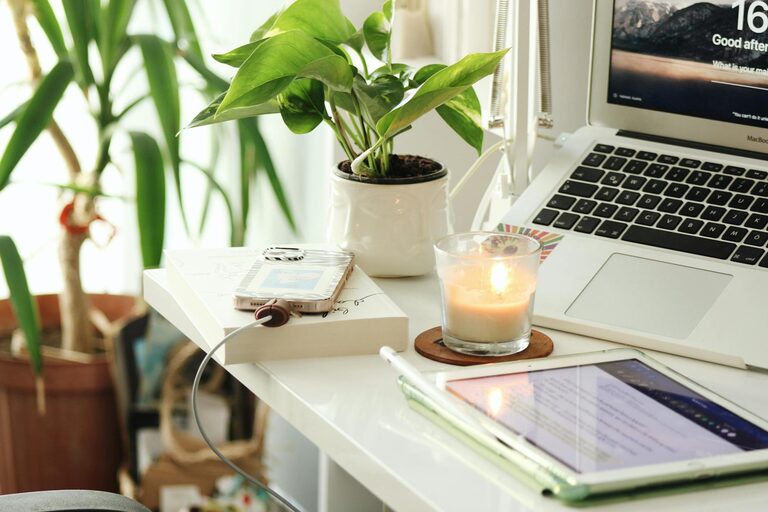
Indoor plants not only brighten up your workspace but also improve air quality and reduce stress.
Photos, artwork, or motivational quotes can make your office feel inviting and encourage a positive mindset.
Use calming colours like blues or greens to create a restful environment. Avoid overly bright or distracting colours.
Defining when your workday starts and ends helps separate professional and personal life, which is crucial when working from home.
Closing the door, using a dedicated desk, or even wearing work-only clothes can signal to your brain that it’s time to focus.
Stand up, stretch, or move around every hour to maintain physical health and mental sharpness.
Ensure your internet connection is fast and stable to avoid interruptions during virtual meetings or large downloads.
Keep essential chargers, extra batteries, or even a second monitor handy to minimise downtime due to technical issues.
Invest in a good keyboard, mouse, and headset to improve comfort and reduce fatigue.
—
By following these tips, you can create a home office space that supports your productivity while making you feel comfortable and motivated. Remember, your workspace should work for you, so take time to adjust it according to your needs and preferences. A thoughtful environment can make working from home both rewarding and enjoyable.