 05 March 2026
 Share
Share
1

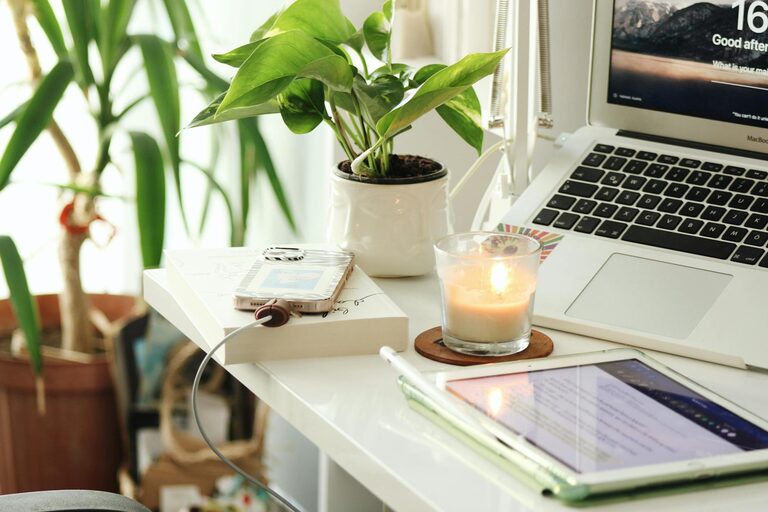
Creating a home office that balances calmness with productivity can greatly enhance your work-from-home experience. Whether you’re working full-time remotely, freelancing, or simply need a dedicated space for occasional tasks, setting up an environment that supports both focus and relaxation is key. Here are some straightforward tips to help you shape a home office that feels inviting and efficient.
Your home office’s location influences how well you can concentrate. Ideally, pick a spot separate from heavy foot traffic or noisy areas like the kitchen or living room.
– Natural Light: Position your desk near a window to enjoy daylight, which improves mood and reduces eye strain.
– Quiet Zone: Opt for a room or corner away from distractions, perhaps a spare room or a section of the house less frequented.
An ergonomic setup prevents discomfort and keeps you productive for longer periods.
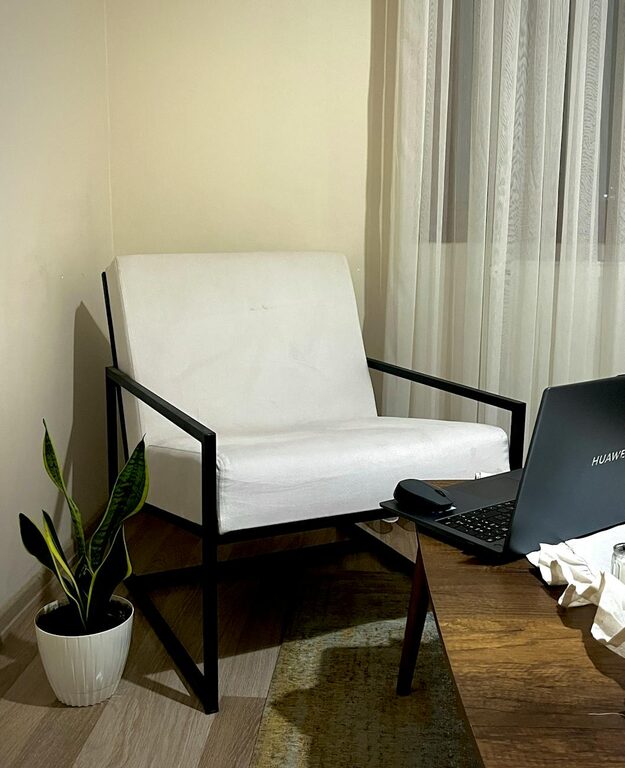
– Desk and Chair: Invest in a chair with good lumbar support and a desk at the correct height for typing or writing.
– Screen Placement: Your computer screen should be at eye level to avoid neck strain.
– Accessories: Consider a keyboard and mouse that feel comfortable and support natural hand positions.
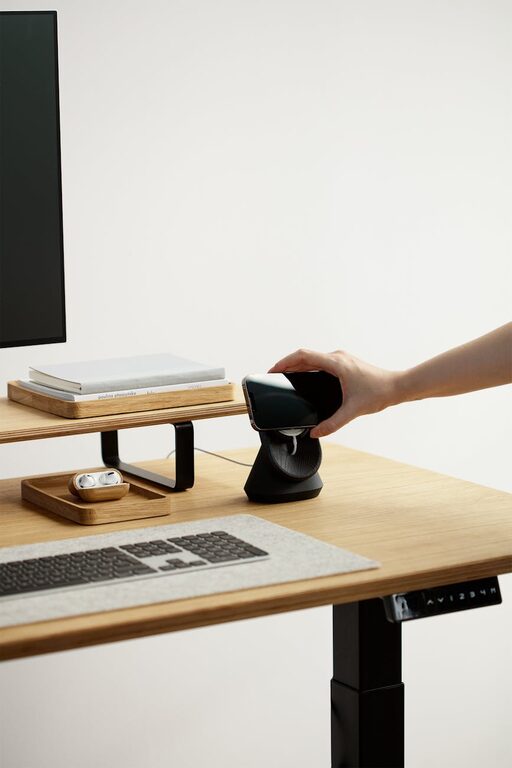
A tidy desk reduces mental clutter and distractions.
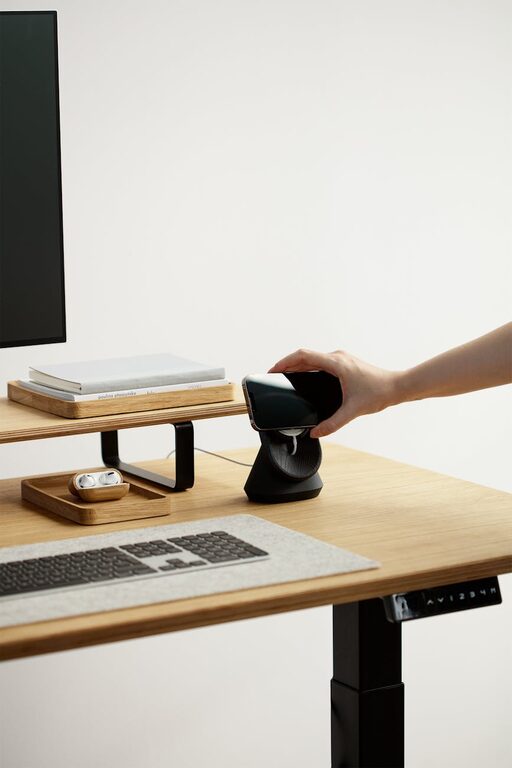
– Organisers: Use trays, drawers, or boxes to store stationery and papers out of sight.
– Daily Tidy-Up: Spend a few minutes at the end of each day clearing your workspace.
– Minimalism: Only keep essentials on your desk to maintain simplicity and calm.
The colours and decorations you choose impact how your space feels.
– Colours: Soft shades like blues, greens, or neutrals tend to create a relaxing atmosphere.
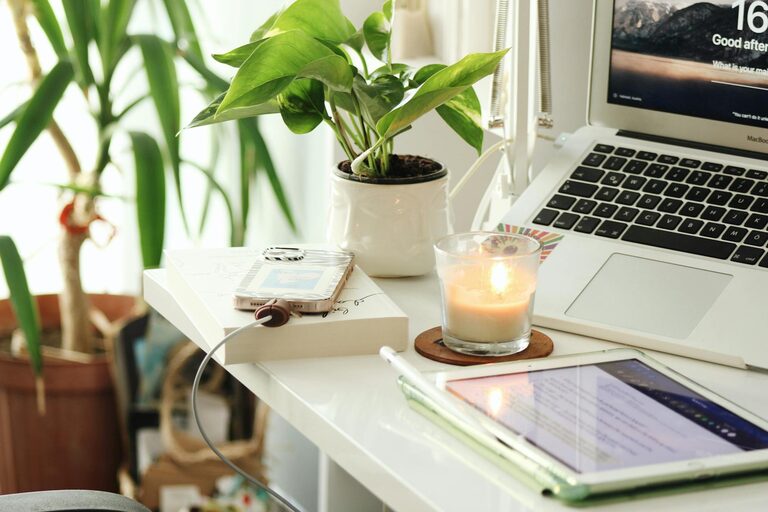
– Plants: Adding a few easy-care plants can bring life and improve air quality.
– Personal Touches: Include a couple of meaningful items or photos that motivate you, but avoid overcluttering.
Proper lighting reduces eye strain and boosts your energy levels.
– Natural Light: Maximise it during the day by opening curtains and blinds.
– Task Lighting: A desk lamp with adjustable brightness helps when natural light is low.
– Avoid Glare: Position screens and lights to minimise reflections.
Noise can disturb concentration, so think about how to manage sound.
– Quiet Equipment: Choose devices that operate quietly.
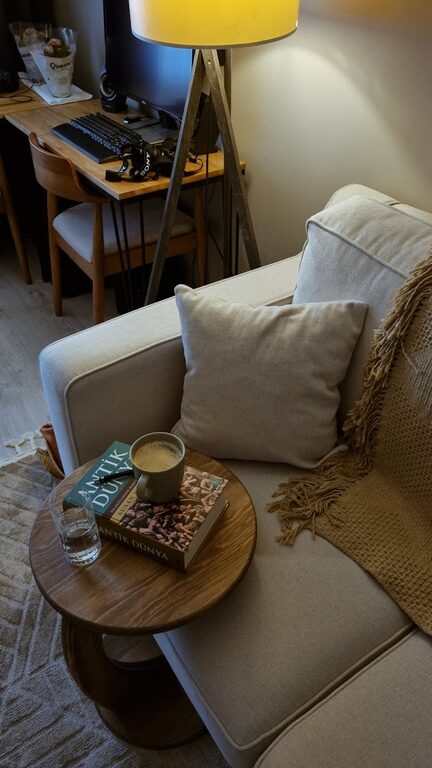
– Soundproofing: Soft furnishings like rugs, cushions, or curtains absorb noise.
– Background Noise: If total silence is distracting, gentle background music or white noise can help.
A home office needs clear boundaries to separate work and home life.
– Defined Hours: Set working hours and stick to them to avoid burnout.
– Signage: If you share your home, a simple sign can indicate when you should not be disturbed.
– Breaks: Schedule short breaks to stretch or rest your eyes.
Reliable technology supports smooth work sessions.
– Stable Internet: Ensure your Wi-Fi or wired connection is dependable.
– Cable Management: Use clips or sleeves to keep cords organised and out of the way.
– Backup Power: Consider a power strip with surge protection to safeguard your devices.
Your body and mind need care for sustained productivity.
– Hydration: Keep a water bottle handy to stay hydrated.
– Comfort: Use a cushion or footrest if needed for support.
– Air Quality: Ventilate the room regularly or use an air purifier.
Creating a calming and productive home office space is about balance — blending functionality with a peaceful environment that encourages your best work. By thoughtfully choosing your location, furnishings, lighting, and décor, and establishing routines, you can create a workspace that not only helps you focus but also nurtures your well-being. This can make a significant difference to your daily work experience, helping you stay motivated and efficient.